

Sales teams today are under more pressure than ever. Targets are higher, lead costs are rising, and response time expectations are shrinking. Yet many teams still rely on manual calling workflows—dialing numbers one by one, switching between apps, and tracking outcomes in spreadsheets or memory.
On the surface, manual calling feels familiar and “good enough.” In reality, it’s one of the biggest silent killers of sales productivity.
This article breaks down why manual calling slows sales teams down, how it affects conversion rates and morale, and what modern sales teams are doing differently to stay competitive—without turning this into a sales pitch.
What Is Manual Calling in Sales?
Manual calling refers to a sales process where representatives:
- Dial phone numbers individually from their mobile phone
- Copy-paste numbers from Excel sheets, CRMs, or WhatsApp
- Manually log call outcomes after each conversation
- Switch between multiple apps for calling, notes, follow-ups, and reporting
This setup is still common in inside sales teams, real estate brokers, loan agents, recruitment firms, and SMB call centers—especially where teams started small and scaled fast.
The problem isn’t calling itself.
The problem is everything that happens around the call.
The Hidden Cost of Manual Dialing
Manual calling doesn’t just waste time—it compounds inefficiencies across the entire sales workflow.
1. Massive Time Loss Between Calls
In a manual setup, a sales rep typically spends time on:
- Searching for the next lead
- Copying the phone number
- Dialing
- Waiting for the call to connect
- Switching screens to update notes
Even if this takes just 30–45 seconds per call, over 100 calls a day that’s 45–75 minutes lost—every single day.
Multiply that by:
- 10 reps
- 22 working days
- 12 months
You’re losing thousands of selling hours annually without realizing it.
2. Lower Call Volume = Lower Conversions
Sales is a numbers game.
More quality conversations generally lead to more conversions.
Manual calling naturally limits how many calls a rep can make in a day because:
- Dialing is slow
- Context switching causes fatigue
- Logging data interrupts momentum
Teams using manual calling often struggle to cross 60–80 calls per rep per day, while teams using structured dialers and CRM workflows regularly exceed 120–150 calls—without burning out reps.
Fewer calls = fewer connects = fewer deals.
Manual Calling Breaks Lead Context
3. No Real-Time Lead Intelligence
When reps dial manually, they often call leads without full context:
- No visibility into past call history
- No idea who last spoke to the lead
- No notes from previous interactions
- No clarity on lead priority or status
This leads to:
- Repetitive conversations
- Asking the same questions again
- Frustrated prospects
- Missed buying signals
Modern sales productivity isn’t about dialing faster—it’s about calling smarter.
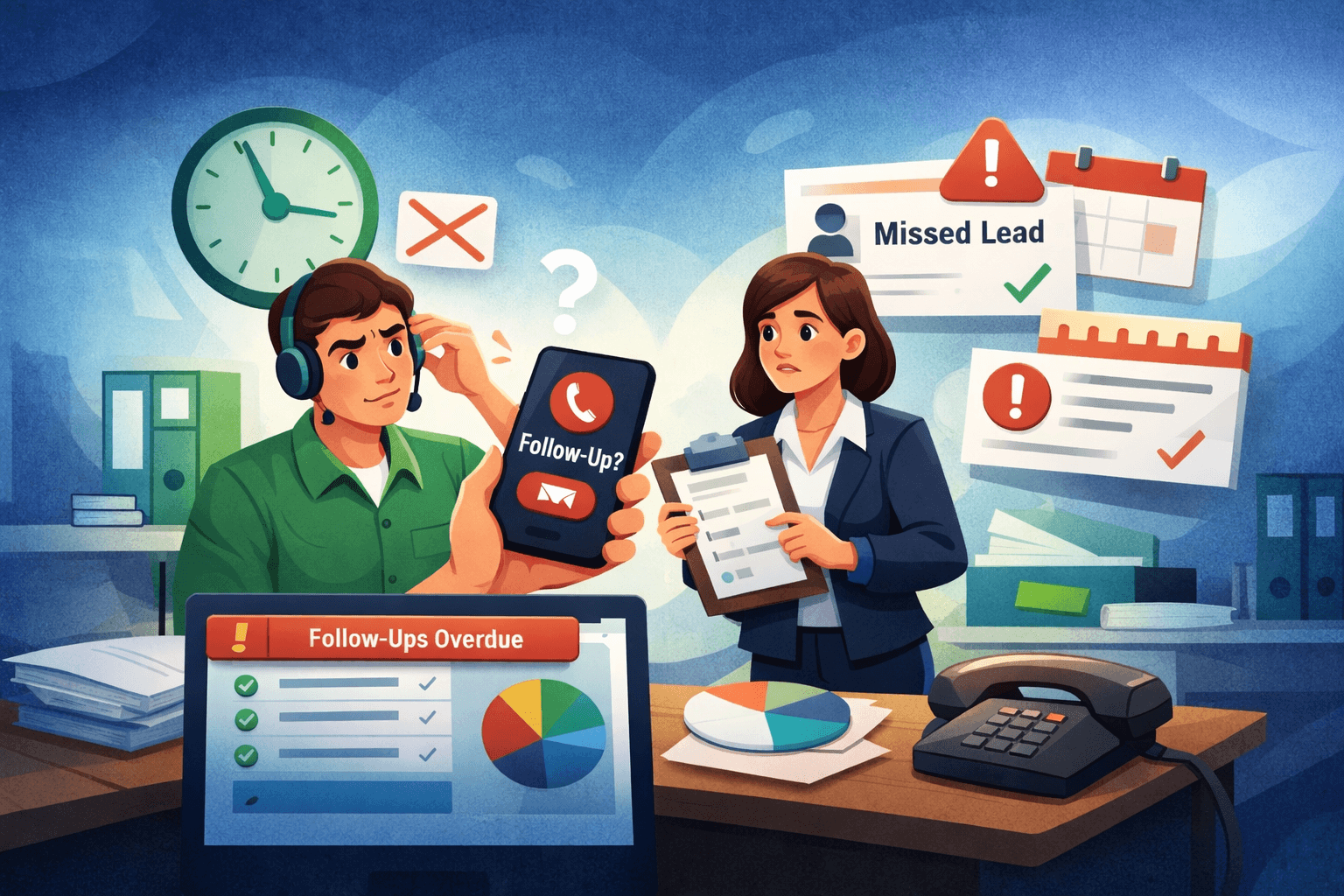
4. Follow-Ups Fall Through the Cracks
Follow-ups are where deals are won or lost.
In manual systems, follow-ups usually depend on:
- Personal reminders
- Notes written after the call
- WhatsApp messages to self
- Memory
This is risky.
Missed follow-ups result in:
- Cold leads going stale
- Prospects choosing competitors
- Lower trust and credibility
Sales teams using CRM-driven calling systems can automatically track:
- Call outcomes
- Next follow-up dates
- Lead status changes
Manual calling offers none of this by default.

Reporting Becomes Guesswork
5. Inaccurate or Incomplete Call Data
Ask a sales manager using manual calling:
- “How many calls did your team make yesterday?”
- “Which leads were contacted?”
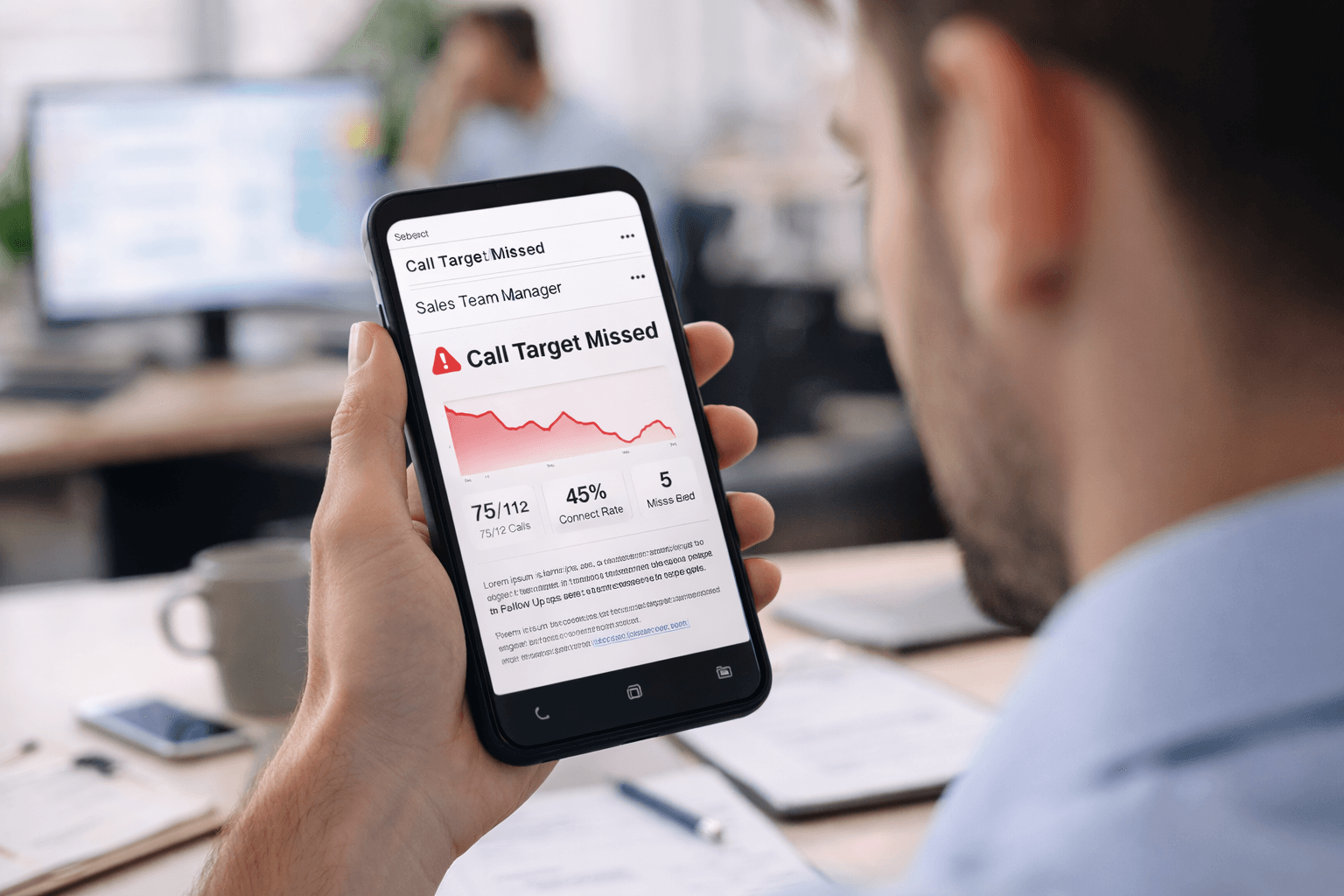
- “What was the connect rate?”
The answers are often estimates.
Manual call logging leads to:
- Incomplete data
- Delayed reporting
- Inconsistent metrics
- Zero real-time visibility
Without accurate call data, managers can’t:
- Coach effectively
- Identify bottlenecks
- Improve scripts
- Optimize lead allocation
Sales productivity suffers at both the rep level and management level.
Manual Calling Hurts Sales Team Morale
6. Reps Spend More Time on Admin Than Selling
Salespeople didn’t sign up to:
- Copy-paste phone numbers
- Update spreadsheets
- Fill CRMs after every call
- Switch between five different apps
Manual workflows increase:
- Cognitive load
- Mental fatigue
- Burnout
When reps spend more time managing tools than talking to prospects, motivation drops—and attrition rises.
Compliance and Tracking Risks
7. No Control Over Call Behavior
With manual calling:
- Managers can’t track call durations reliably
- Call outcomes aren’t standardized
- There’s no audit trail for conversations
- Compliance policies are hard to enforce
This becomes especially risky in industries like:
- Financial services
- Insurance
- Edtech
- Real estate
Structured calling systems help standardize how calls are made and logged, reducing both legal and operational risk.
What Modern Sales Teams Do Instead
High-performing sales teams don’t necessarily “call more.”
They design better calling workflows.
Here’s what that typically looks like.
Centralized Calling Inside the CRM
Instead of dialing from personal phones, calls happen directly from a CRM or mobile dialer, where:
- Leads are auto-assigned
- Call history is visible
- Notes are captured instantly
Faster Dialing Without Losing Control
Modern tools support:
- One-click calling
- Auto dialing from lead queues
- Manual and automated dialing modes
This increases call volume without removing human control from conversations.
Automatic Call Logging & Outcomes
Calls are logged automatically with:
- Duration
- Status (connected, not reachable, busy)
- Call disposition
- Follow-up reminders
This removes admin work from reps while improving data quality.
Mobile-First Sales Execution
Many sales teams operate in the field or across distributed locations.
Mobile CRM and SIM-based calling allow reps to:
- Use their existing mobile numbers
- Maintain better connect rates
- Work without internet dependency for calls
- Keep all activity tracked centrally
Tools like GoDial are built around this mobile-first, SIM-based calling approach, helping teams streamline calling without forcing VoIP-only setups.
Manual Calling vs Structured Sales Calling
| Area | Manual Calling | CRM-Based Calling |
| Call Speed | Slow | Fast, one-click |
| Lead Context | Minimal | Full history |
| Follow-Ups | Manual | Automated |
| Reporting | Delayed | Real-time |
| Rep Productivity | Low | High |
| Manager Visibility | Poor | Strong |
When Manual Calling Starts to Break
Manual calling might work when:
- You’re a solo founder
- You make <20 calls a day
- You don’t need reporting
But it breaks when:
- You hire multiple reps
- You run campaigns
- You manage inbound + outbound leads
- You care about conversion metrics
- You want predictable growth
At that point, manual calling isn’t just inefficient—it becomes a growth bottleneck.
Key Takeaways
- Manual calling wastes selling time through dialing delays and admin work
- Lack of context and follow-up tracking hurts conversions
- Poor reporting makes sales management reactive instead of proactive
- Reps burn out faster due to fragmented workflows
- Modern CRM-integrated calling systems remove friction without removing human touch
Sales productivity today is less about working harder—and more about removing friction from every call.
A Thought to Leave You With
If your sales team disappeared tomorrow, could you clearly answer:
- Who was called?
- What was discussed?
- What happens next?
If the answer is “not really,” manual calling may already be costing more than it seems.
Exploring structured calling workflows—especially mobile-first, CRM-integrated ones—can be a practical next step for teams looking to scale without chaos.