
Cloud PBX with Autodialing Built Directly into Your CRM
Run inbound and outbound business calls using your own SIP carrier — configure call flows, record conversations, and manage calls directly inside GoDial.
- Browser based desktop calling
- Call any country
- Call Recording
- Bring your own carrier
Tested with

How GoDial PBX Works
Forget complicated hardware and cloud telephony. In just four simple steps, your team can start making calls instantly — right from their browser.
Link your compatible calling provider to enable inbound and outbound business calls.
Configure numbers, calling rules, and permissions without on-premise hardware.
Handle active calls, monitor call status, and control call actions in real time.
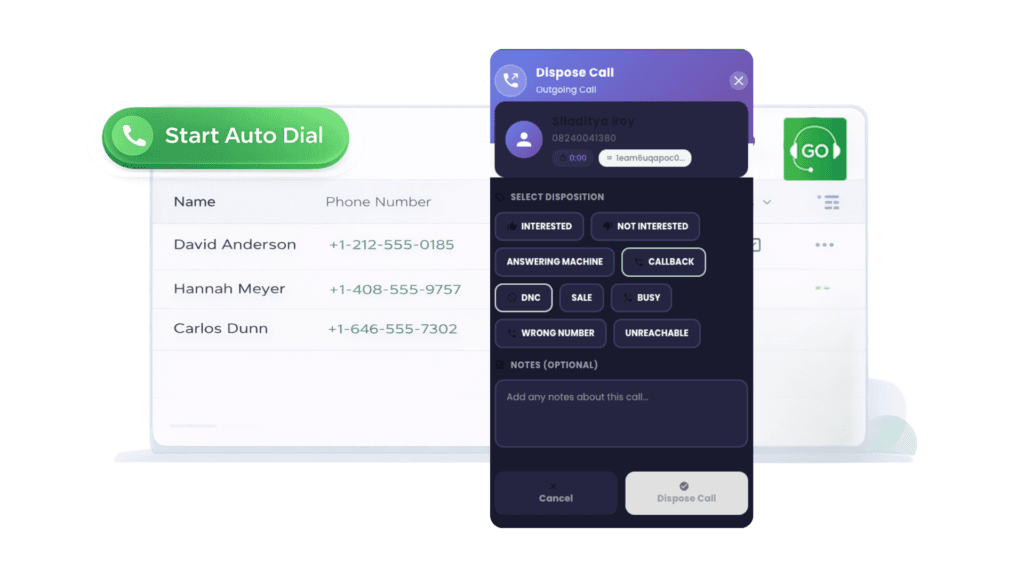
Log call dispositions, notes, and activity to keep teams aligned and informed.
PBX Calling Inside the CRM
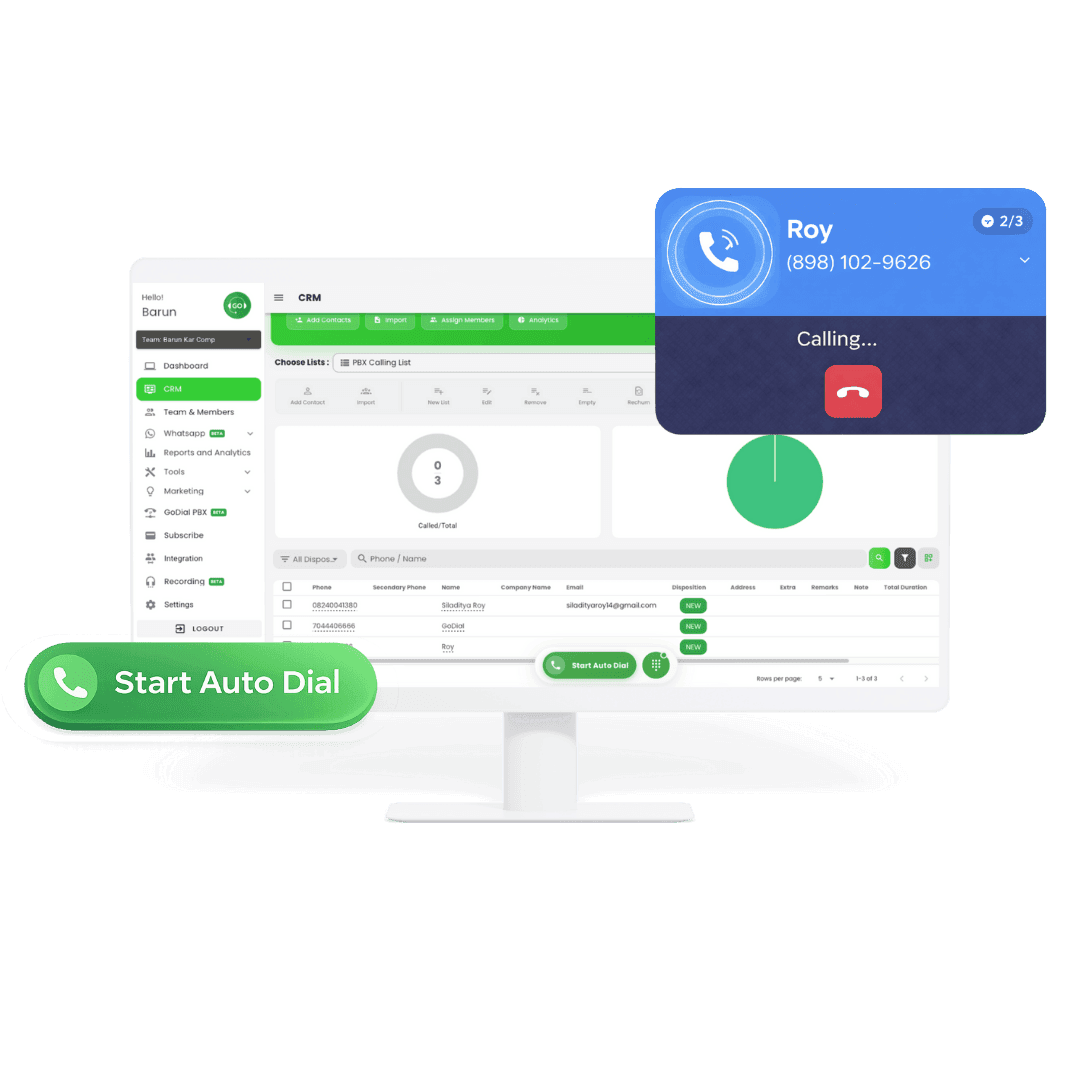
Make and manage business calls directly from your CRM, without switching tools or relying on traditional phone systems.
- Call directly from CRM lists
- Live calls in the browser
- Autodial built into workflows
- Calls and data stay connected
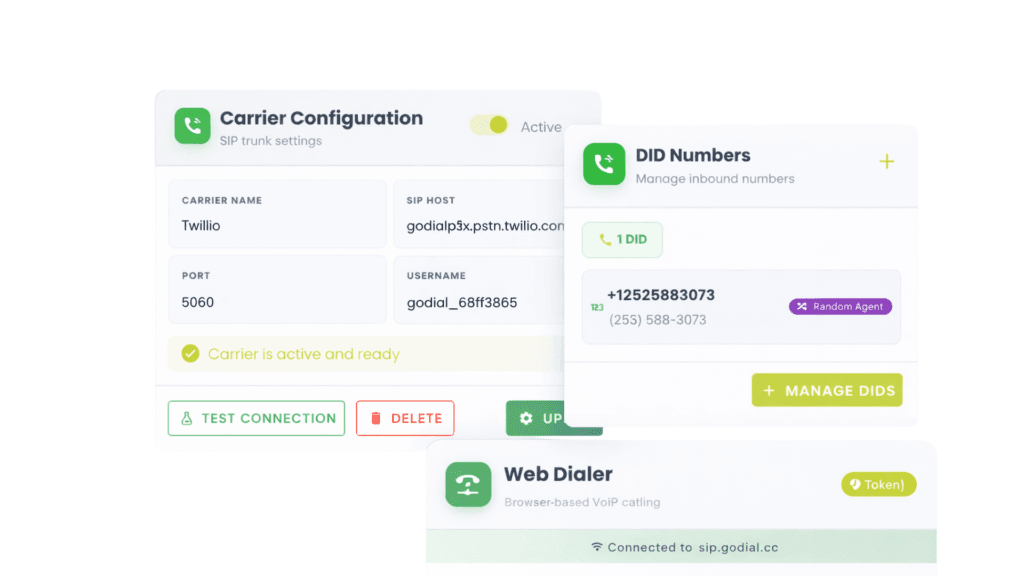
Flexible Calling Infrastructure
GoDial PBX is built on a configurable PBX foundation that controls how calls are powered, routed, and managed—without relying on traditional phone hardware.
- Connect a calling provider
- Manage numbers and call handling
- Built for reliability and scale
- Clear separation of setup and usage
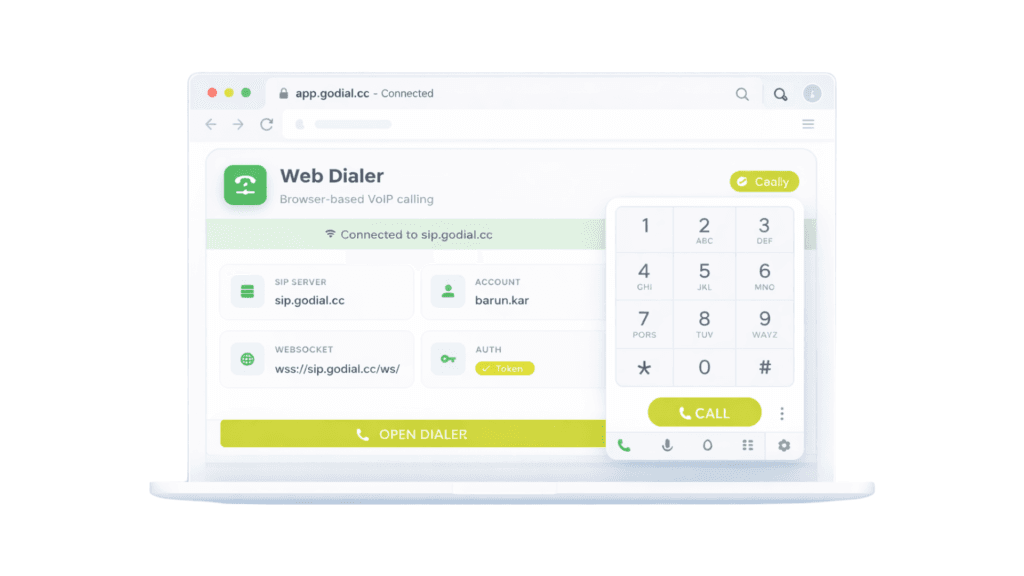
Browser-Based Calling
- No Hardware Required
GoDial PBX lets teams make and manage business calls directly from the browser, without desk phones, softphones, or additional installations.
- Call directly from the browser
- No desk phones or calling devices
- No additional software installs
- Works across locations and teams
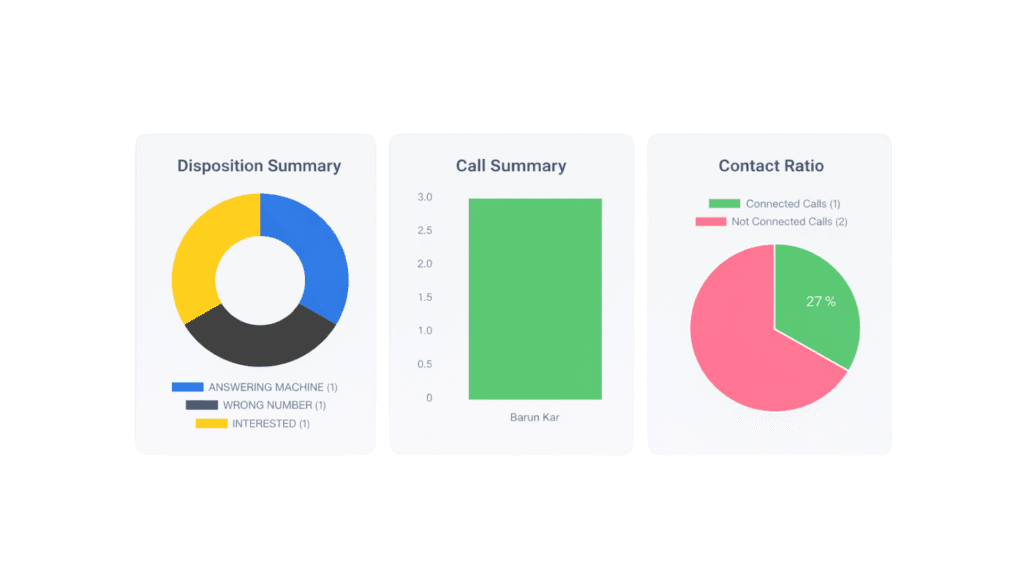
Visibility Across Calls and Teams
Capture calling activity, outcomes, and usage across teams within the same system used for CRM-based calling with GoDial.
- View calling activity across teams
- Track call outcomes and dispositions
- Monitor usage and performance trends
- Keep calling data connected to CRM records
Inbound and Outbound Calling
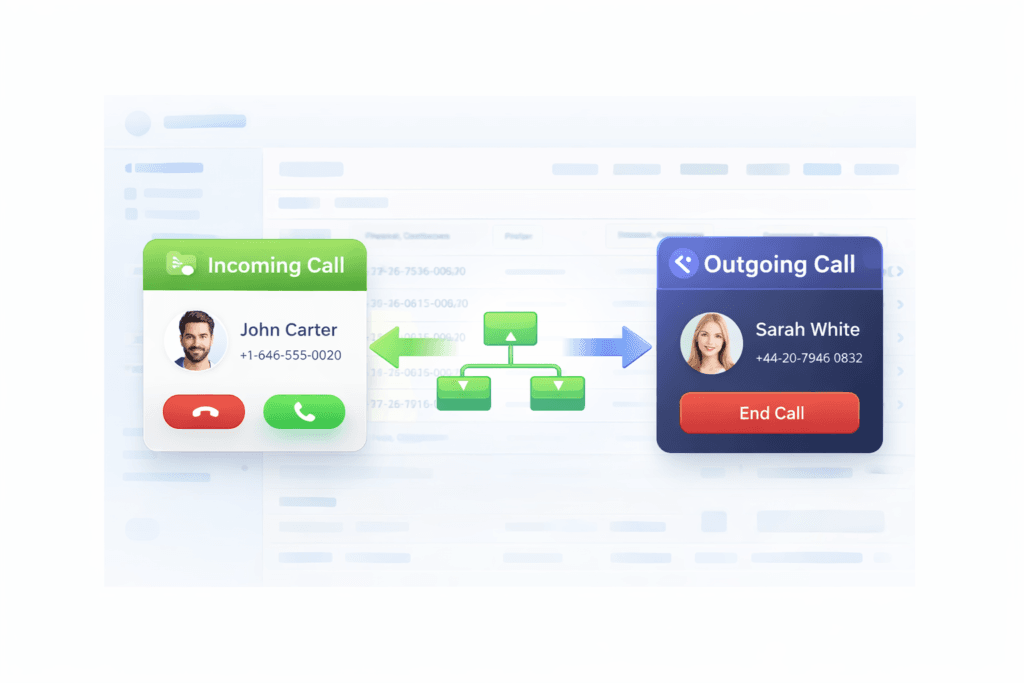
Receive and place business calls through your connected SIP provider, all within a single cloud-based system.
- Receive inbound calls through connected SIP numbers
- Route incoming calls using configured call flows
- Autodial outbound calls from CRM or browser
- Keep inbound and outbound activity unified
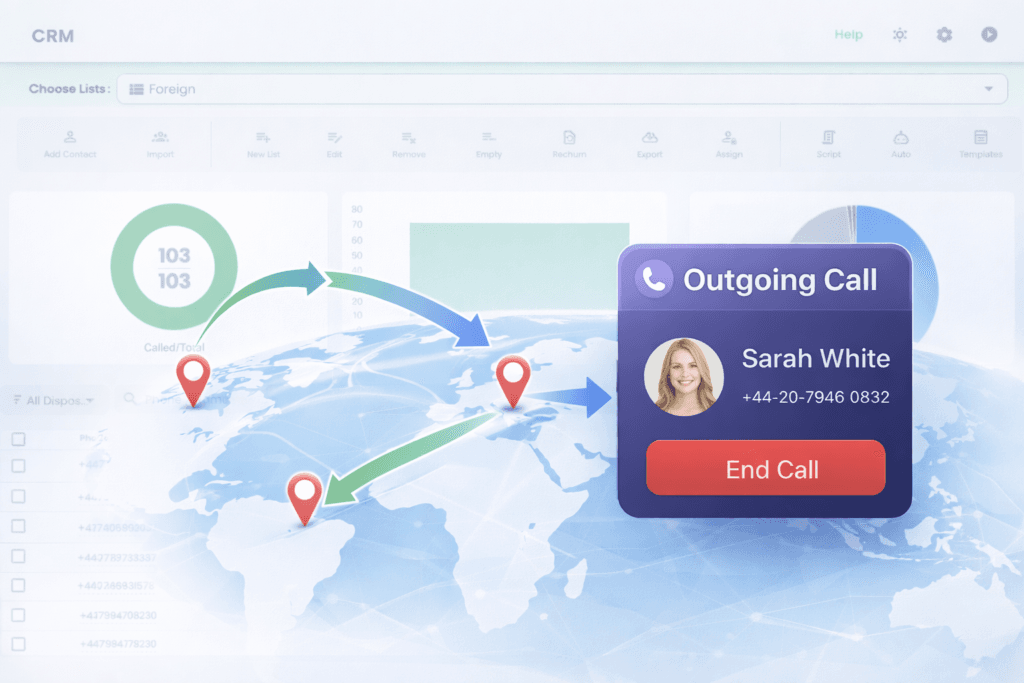
Global Calling Support
Place outbound calls to supported international destinations through your connected SIP provider, without changing infrastructure or workflows.
- Call international numbers using your own carrier
- Manage global calling from the same interface
- Maintain consistent workflows across regions
- Scale calling operations without additional hardware
FAQ
4 days hassle free trial | No card required